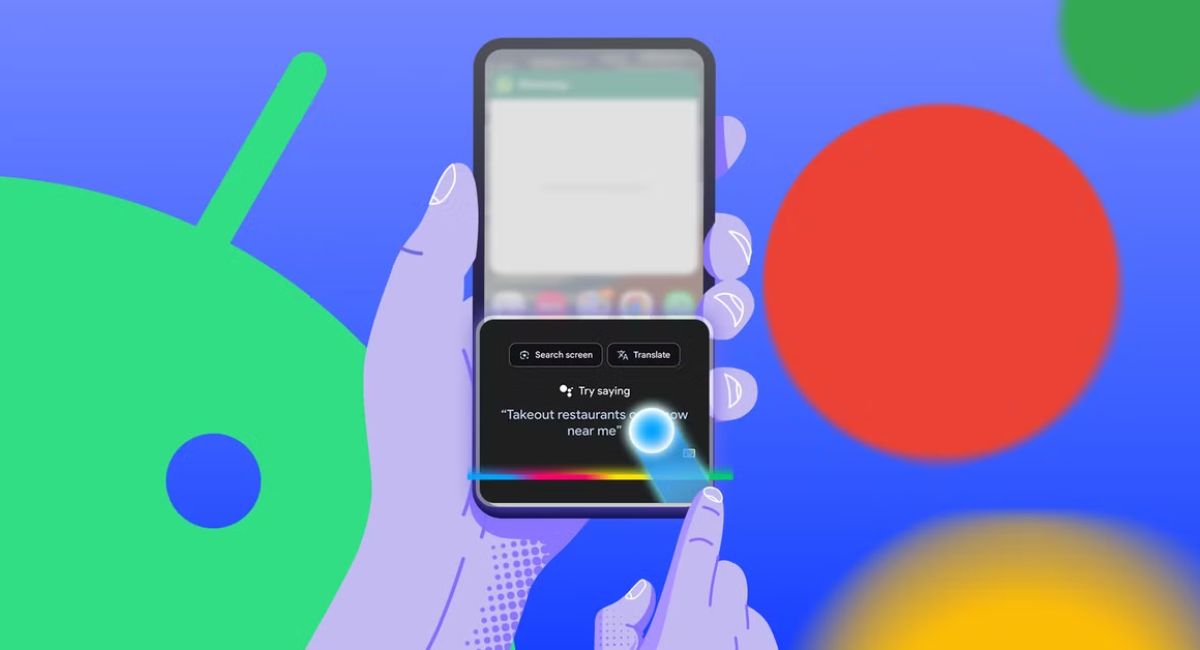
Swipe Up Menu- Complete Guide to Understanding, Using, and Fixing Swipe Gestures
A swipe up menu is a popular navigation feature that allows users to access hidden options, additional tools, and extra information by moving their finger upward on a touchscreen. This simple gesture has become an important part of modern digital experiences because it helps users interact with devices and applications more easily.
- What Is a Swipe Up Menu?
- How Does a Swipe Up Menu Work?
- Why Are Swipe Up Menus Popular?
- Common Places Where Swipe Up Menus Are Used
- How to Create a Swipe Up Menu in Figma
- Swipe Up Menu vs Traditional Menu
- Common Swipe Up Menu Problems and Solutions
- Tips for Creating a Better Swipe Up Menu
- Frequently Asked Questions
- Conclusion
- Related post
Instead of showing every option on the main screen, swipe up menus keep additional features hidden until they are needed. This creates a cleaner interface, improves usability, and gives users faster access to important functions.
Swipe up menus are commonly found in smartphones, mobile applications, smartwatches, and UI/UX design projects. Whether it is opening extra content in an app, accessing device controls, or creating a mobile app prototype, swipe gestures have changed the way people interact with technology.
Learn what a swipe up menu is, how it works, where it is used, common issues, and how swipe gestures improve modern digital experiences.
What Is a Swipe Up Menu?
A swipe up menu is a hidden navigation panel that appears when a user moves their finger from the bottom area of a screen toward the top. The menu usually contains additional options, settings, controls, or information that are not displayed on the main screen.
The main purpose of a swipe up menu is to organize content without making the interface look crowded. Designers use this technique to provide more features while maintaining a simple and attractive design.
For example, a mobile application may use a swipe up menu to display extra details, filters, settings, or navigation options. Instead of adding many buttons to the screen, the app keeps these features available through a simple gesture.
How Does a Swipe Up Menu Work?
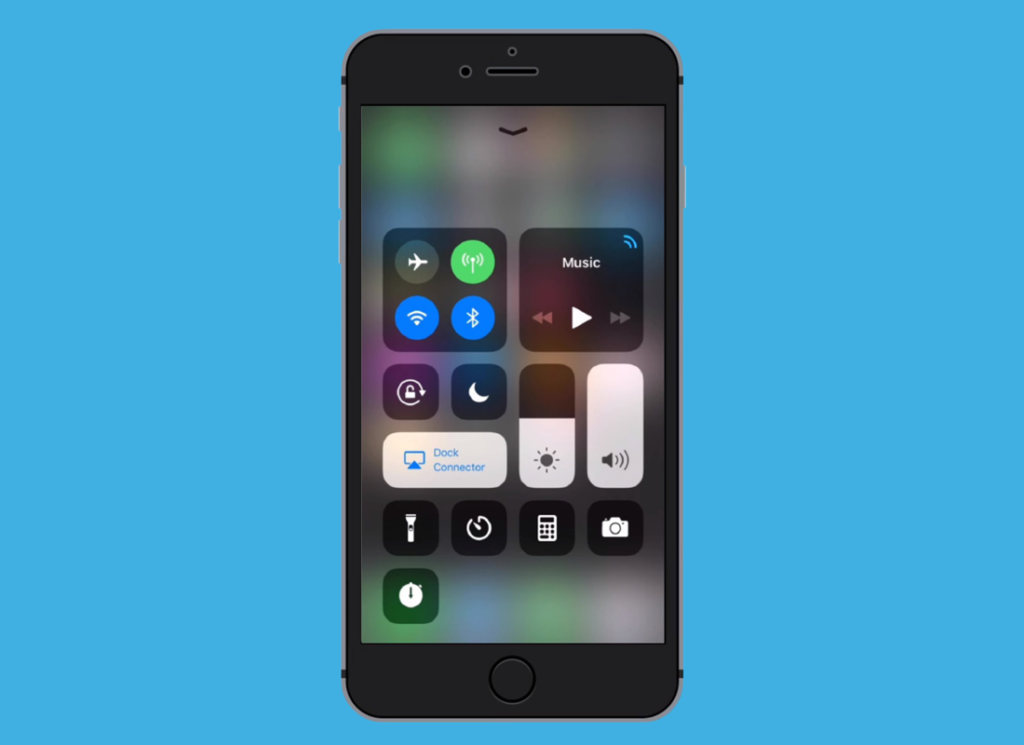
Swipe up menus work through touchscreen gesture recognition technology. When a user touches the screen and moves their finger upward, the device detects the direction and distance of the movement.
The system identifies this action as a swipe gesture and activates the connected menu or feature. Many modern interfaces also include animations that make the menu appear smoothly, creating a better user experience.
The basic process of a swipe up menu includes:
- Detecting the user’s finger movement on the screen
- Recognizing the upward swipe direction
- Activating the connected menu or panel
- Displaying additional options or information
- Using animation to create a smooth transition
The effectiveness of a swipe up menu depends on how naturally users can discover and use the gesture.
Why Are Swipe Up Menus Popular?
Swipe up menus have become common because they solve several problems in digital design. They help developers and designers create interfaces that are simple, organized, and easy to use.
Saves Screen Space
One of the biggest advantages of swipe up menus is that they reduce screen clutter. Mobile screens are limited in size, so displaying every option at once can make an application confusing.
By hiding extra features inside a swipe menu, users can focus on the main content while still having access to additional tools.
Provides Faster Navigation
Swipe gestures allow users to reach important features quickly. Instead of opening multiple pages or searching through settings, users can access options with a single movement.
This makes applications faster and more convenient to use.
Improves User Experience
A well-designed swipe menu feels natural because people are already familiar with touchscreen gestures. Smooth animations and simple interactions create a better overall experience.
Creates a Modern Interface
Gesture-based navigation is considered a modern approach to digital design. Many applications use swipe interactions because they make interfaces look cleaner and more professional.
Common Places Where Swipe Up Menus Are Used
Swipe up menus are used across many types of technology and digital platforms.
Smartphones
Many smartphones use swipe gestures for accessing different features, controls, or additional options. Mobile operating systems often include gesture-based navigation because it provides a simple way to interact with the device.
Users can open tools, access settings, or view extra information without needing multiple buttons.
Mobile Applications
Many apps use swipe up menus to improve navigation. For example, social media platforms, shopping apps, and productivity tools may use swipe gestures to reveal additional content.
This allows users to explore more information without leaving the current screen.
Smartwatches
Smartwatches have small displays, making efficient navigation extremely important. Swipe menus help users access features quickly without using too many physical buttons.
Users can navigate through controls, notifications, and other functions using simple gestures.
UI/UX Design Projects
In UI/UX design, swipe up menus are commonly created as interactive prototypes. Designers use tools like Figma to demonstrate how an application will behave before developers start coding.
These prototypes help teams understand user interactions and improve the final product.
How to Create a Swipe Up Menu in Figma
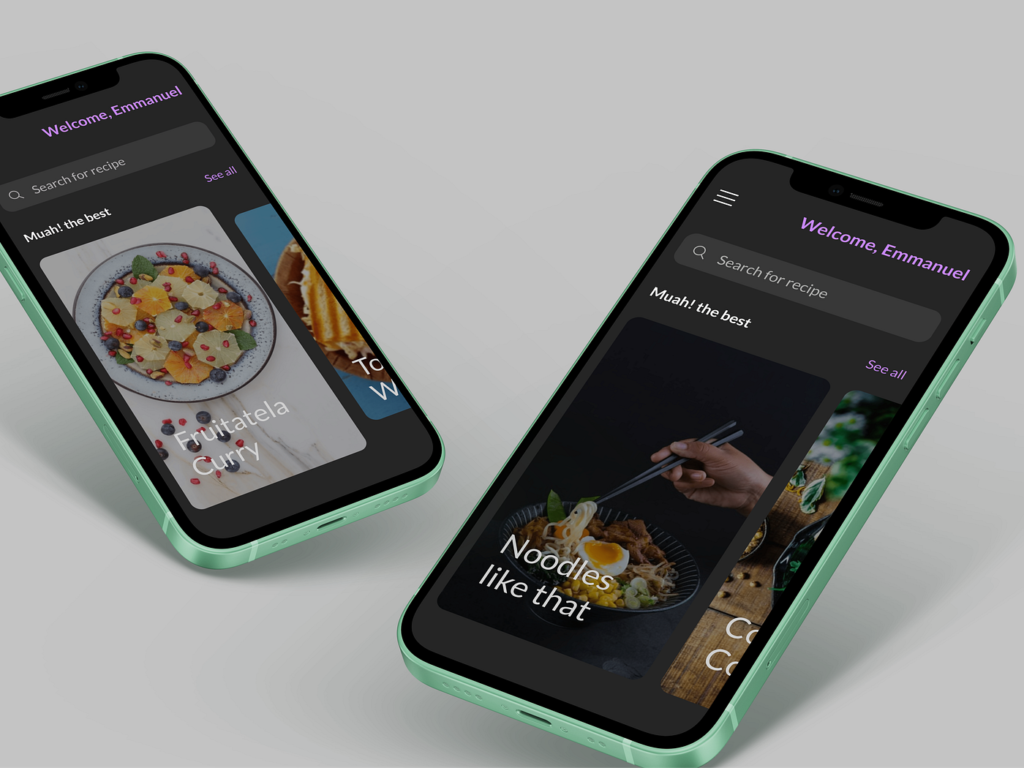
Designers often create swipe up menu interactions in Figma to test mobile app experiences.
A basic process includes:
Create the Main Screen
First, designers create the primary app screen where users will start the interaction.
Design the Hidden Menu
Next, they create a separate menu component that contains additional options or information.
Connect the Interaction
The menu is connected with the main screen using prototype features. Designers define the swipe gesture that will open the menu.
Add Animation
Animations make the movement smoother and provide a realistic app experience.
Test the Prototype
Finally, designers test the interaction to make sure the swipe gesture works correctly.
Swipe Up Menu vs Traditional Menu
Both swipe menus and traditional menus have different benefits depending on the purpose of a design.
Advantages of Swipe Up Menus:
- Creates a cleaner interface
- Saves screen space
- Provides quick access to hidden features
- Makes mobile navigation easier
- Supports modern gesture-based experiences
Advantages of Traditional Menus:
- Options remain visible
- Easier for beginners to understand
- Works well on websites and desktop applications
- Does not require learning gestures
The best choice depends on the audience, device type, and purpose of the application.
Common Swipe Up Menu Problems and Solutions
Sometimes users experience problems with swipe up menus. These issues can happen because of software updates, settings changes, or technical problems.
Swipe Gesture Is Not Working
Possible solutions include:
- Restarting the device
- Checking touchscreen functionality
- Updating the operating system
- Reviewing gesture settings
Swipe Menu Changed After an Update
Software updates sometimes change navigation features. A menu that previously opened with a swipe gesture may move to another location or require a different action.
Users should check update information or device settings to understand the changes.
Swipe Area Is Incorrect
Some applications only support swipe gestures from specific areas. Users should try swiping from the correct location or check the app instructions.
Tips for Creating a Better Swipe Up Menu
A good swipe up menu should be simple, responsive, and easy to understand. Designers should follow these practices:
- Use smooth and clear animations
- Avoid hiding important features
- Keep menu options organized
- Make the gesture easy to discover
- Ensure fast response time
- Test the menu with real users
A successful swipe menu should improve navigation rather than make users confused.
Frequently Asked Questions
1.What is a swipe up menu used for?
A swipe up menu is used to provide quick access to additional features, settings, or information while keeping the main interface clean.
2.Why is my swipe up menu not working?
A swipe up menu may stop working because of software changes, incorrect settings, touchscreen problems, or application issues.
3.Can swipe up menus be customized?
Yes, many applications and devices allow users or designers to customize swipe-based interactions depending on available settings.
4.Are swipe up menus only available on smartphones?
No, swipe up menus are also used in smartwatches, applications, and UI/UX design prototypes.
5.Can I create a swipe up menu in Figma?
Yes, designers can create swipe up menu prototypes in Figma using components, interactions, and animations.
Conclusion
Swipe up menus simplify digital interactions by providing quick access to hidden features while keeping interfaces clean and organized. They improve navigation across smartphones, apps, smartwatches, and design projects. As gesture-based technology continues to evolve, swipe menus will remain a useful part of modern user experiences, helping people interact with digital devices more easily and efficiently.