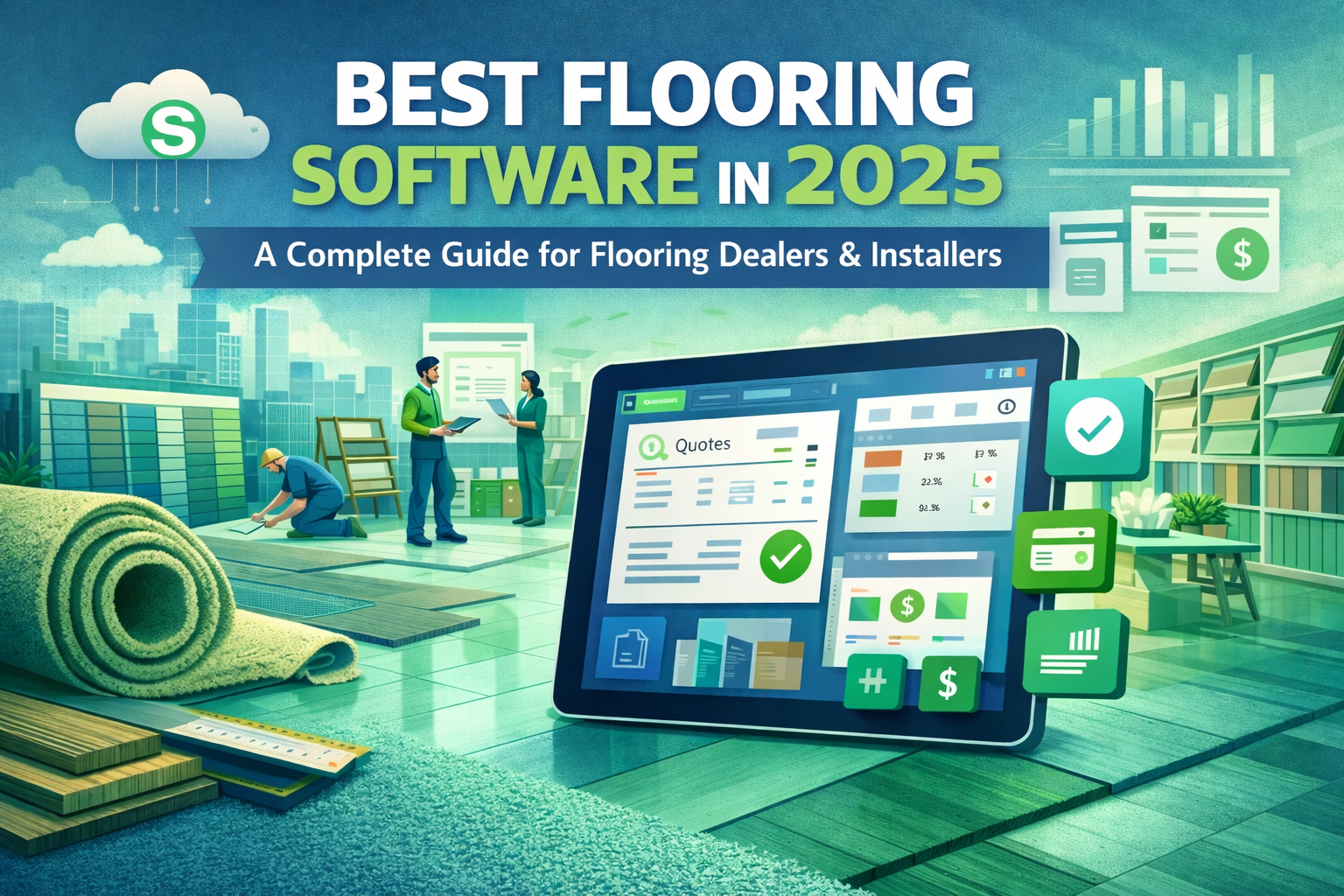
Best Flooring Software (2026 Updated Guide for Professionals)
In today’s competitive construction and interior design market, choosing the best flooring software is not just about design, it’s about accuracy, speed, and business growth. From measuring spaces to presenting realistic layouts to clients, modern flooring tools have transformed how projects are planned and executed.Whether you run a flooring business, work as a contractor, or design interiors, the right software can help you deliver professional results, save time, and increase profits.
Best Flooring Software helps contractors and designers manage projects, create accurate estimates, track costs, and improve workflow efficiency easily.
- What is Flooring Software?
- Why Flooring Software Matters in 2026
- Core Features You Should Look For
- Benefits of Using Flooring Software
- Top Flooring Software You Can Use
- Who Should Use Flooring Software?
- How to Choose the Best Flooring Software
- Common Challenges and Limitations
- Future Trends in Flooring Software
- Pro Tips for Better Results
- FAQ's
- Conclusion
- Related Post
What is Flooring Software?
Flooring software is a digital tool used to design, plan, and manage flooring projects with accuracy and ease. It allows users to create floor layouts, apply different materials, and visualize results in 2D and 3D before installation. This helps in reducing errors and improving project quality.
It also includes features like cost estimation, space measurement, and material selection, making work faster and more efficient. Flooring software is widely used by contractors, interior designers, architects, and homeowners for better planning and professional results.
Why Flooring Software Matters in 2026
In 2026, flooring software is more important than ever because the construction and interior design industry is becoming highly competitive and technology-driven. Clients now expect fast, accurate, and visually realistic project presentations before making decisions.
Flooring software helps professionals save time by automating design, measurement, and cost estimation processes. It also improves accuracy, reduces material waste, and enhances communication between clients and designers.
With advanced features like 3D visualization, AI suggestions, and cloud access, it allows businesses to deliver high-quality results efficiently. That’s why flooring software has become essential for modern flooring projects in 2026.
Core Features You Should Look For

Smart Layout Design
Create accurate floor plans quickly using drag-and-drop tools and templates.
3D Visualization
Software like RoomSketcher allows you to present lifelike flooring designs that clients can easily understand.
Automated Measurements
Eliminate guesswork by using digital measurement tools for precise calculations.
Cost Estimation System
Get instant pricing for materials, labor, and total project costs.
Material & Texture Library
Choose from a wide range of flooring types including tiles, wood, laminate, and carpet.
Cloud Access
Access your projects anytime, anywhere, and collaborate with your team.
Benefits of Using Flooring Software
- Saves time by automating design and calculations
- Reduces measurement and costing errors
- Improves accuracy in floor planning
- Provides realistic 2D and 3D visualizations
- Enhances client presentations and approvals
- Helps in better cost estimation and budgeting
- Minimizes material waste
- Increases overall productivity
- Simplifies project management
- Gives a professional edge to your business
Top Flooring Software You Can Use
Here are some powerful tools that are widely used in the industry:
SketchUp
A flexible tool for creating detailed 3D flooring designs. Ideal for professionals who need precision and customization.
Floorplanner
Perfect for beginners and quick projects. It offers simple tools for creating both 2D and 3D floor plans.
RoomSketcher
Known for its easy interface and realistic rendering, making it great for client presentations.
AutoCAD
A professional-grade solution used for highly accurate and technical flooring layouts.
Chief Architect
Best for residential projects with advanced design and visualization features.
Who Should Use Flooring Software?
- Flooring contractors and installers
- Interior designers and decorators
- Architects and construction professionals
- Flooring retailers and suppliers
- Real estate developers and builders
- Homeowners planning renovation projects
- Furniture and home design companies
- Commercial space planners and designers
How to Choose the Best Flooring Software
- Choose software that is easy to use and has a simple interface
- Make sure it supports 2D and 3D flooring design features
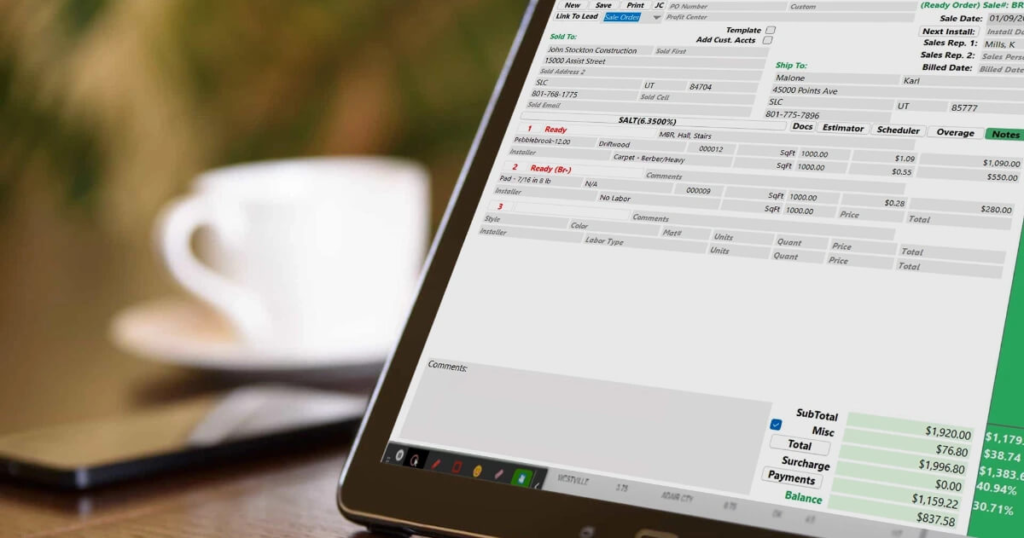
- Check if it offers accurate measurement and cost estimation tools
- Look for a strong material library (tiles, wood, carpet, vinyl, etc.)
- Ensure it works on your device and supports cloud access
- Prefer software that improves workflow and project management
- Check customer support and training availability
- Compare pricing and choose according to your budget
- Select software that matches your business size and needs
- Ensure it can integrate with other tools you already use
Common Challenges and Limitations
- Some software has a learning curve for beginners
- Advanced tools can be expensive for small businesses
- High system requirements for smooth performance
- Limited free versions with basic features only
- Occasional accuracy issues in material cost estimation
- Requires regular updates for best performance
- Internet dependency in cloud-based software
- Compatibility issues with some devices or formats
Future Trends in Flooring Software
The future of flooring software is moving toward smarter, faster, and more automated solutions. In the coming years, AI-powered design tools will suggest flooring styles based on room type, budget, and user preferences. Augmented Reality (AR) will allow customers to see flooring designs directly in their real spaces using mobile devices before installation.
Cloud-based systems will make it easier to access and edit projects from anywhere, improving teamwork and collaboration. Advanced 3D visualization will become more realistic, helping clients make quicker decisions. Overall, flooring software will become more intelligent, user-friendly, and highly efficient in 2026 and beyond.
Pro Tips for Better Results
- Always double-check measurements before finalizing designs
- Use high-quality textures for realistic previews
- Keep your software updated for better performance
- Train your team to use advanced features
- Combine design tools with pricing tools for accuracy
FAQ’s
1. What makes flooring software important?
It helps in accurate floor design, precise cost estimation, and improves communication with clients, making projects more professional and efficient overall.
2. Which flooring software is best for beginners?
Simple tools like Floorplanner and RoomSketcher are best for beginners because they offer easy interfaces, basic features, and quick learning options.
3. Can flooring software improve sales?
Yes, it improves sales by providing realistic 3D visuals, accurate estimates, and faster client approvals, which increase conversion rates significantly.
4. Is flooring software expensive?
Some flooring software is free with limited features, while advanced professional tools require monthly or yearly subscription plans depending on usage.
5. Do professionals use flooring software?
Yes, architects, interior designers, and contractors widely use flooring software to improve accuracy, save time, and manage projects efficiently.
Conclusion
Flooring software is an essential tool for modern designers, contractors, and architects. It improves accuracy, saves time, and enhances client satisfaction through realistic designs and cost estimation. By using the right software, businesses can increase efficiency, reduce errors, and deliver professional results. Overall, it is a smart investment for better flooring project management in 2026.