How to Add Natural Reader to Logos Bible Software
Digital Bible study has become more advanced with modern research tools, cloud libraries, and AI-powered accessibility features. One of the most popular Bible study platforms today is Logos Bible Software, widely used by pastors, students, teachers, and researchers for sermon preparation and theological study. Many users spend long hours reading books, commentaries, and Bible passages inside the software, which is why text-to-speech tools have become increasingly useful.Natural Reader is a well-known AI text-to-speech application that converts written text into spoken audio using realistic voices.
Although Logos Bible Software includes its own read-aloud capability, many users prefer Natural Reader because of its smoother voice quality, better pronunciation, and customizable listening options.This guide explains how to add Natural Reader to Logos Bible Software, available setup methods, benefits, features, troubleshooting tips, and best practices for improving your Bible study experience.
- What Is Logos Bible Software?
- What Is a Natural Reader?
- Can You Add Natural Reader to Logos Bible Software?
- Methods to Use Natural Reader With Logos Bible Software
- Using Natural Reader Browser Extension
- Screen Reading Method
- Features of Natural Reader
- Benefits of Using Natural Reader With Logos
- Why Many Users Prefer Natural Reader
- Challenges of Using Natural Reader With Logos
- Best Practices for Better Text-to-Speech Experience
- Comparing Natural Reader With Logos Read Aloud
- Future of Text-to-Speech in Bible Software
- FAQs
- Conclusion
- Related Post
Learn how to add Natural Reader to Logos Bible Software using browser extensions, copy-paste methods, and text-to-speech accessibility features easily.
What Is Logos Bible Software?

Logos Bible Software is a powerful digital Bible study platform developed by Faithlife for pastors, students, teachers, and researchers. It provides access to thousands of study resources, including Bibles, commentaries, dictionaries, theological books, journals, and sermon preparation tools. The software is designed to help users perform deep Bible study, language analysis, research, and ministry preparation through advanced search tools and organized digital libraries. Logos is available on desktop, web, and mobile devices, allowing users to study and manage their resources from almost anywhere.
What Is a Natural Reader?

Natural Reader is an AI-powered text-to-speech application that converts written text into spoken audio using realistic computer-generated voices. It allows users to listen to documents, PDFs, web pages, eBooks, and study materials instead of reading them manually. The software is commonly used for accessibility, productivity, language learning, and reducing eye strain during long reading sessions. Natural Reader is available on desktop, web browsers, and mobile devices, making it useful for students, professionals, and everyday users who prefer audio-based learning and multitasking.
Can You Add Natural Reader to Logos Bible Software?
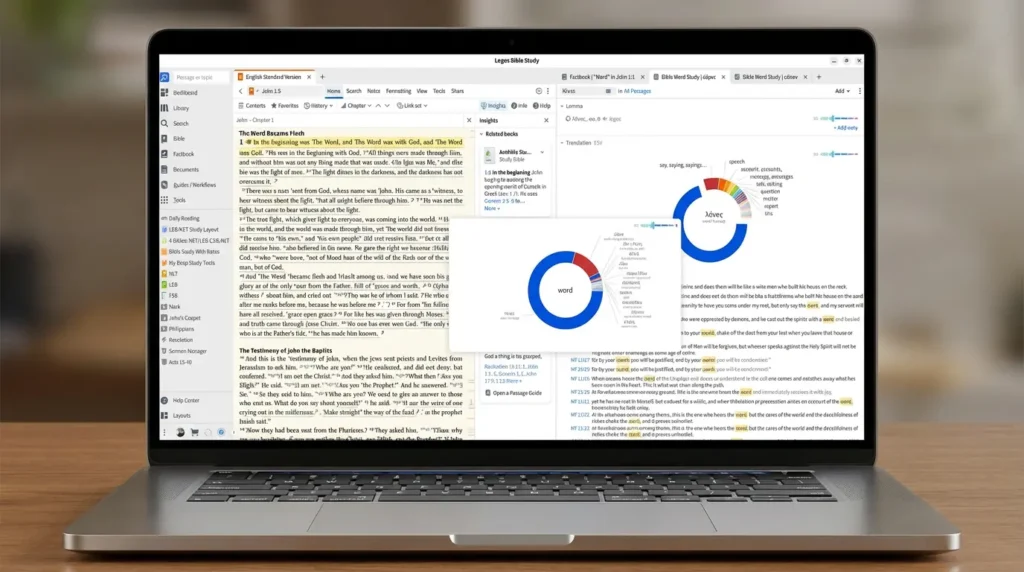
Natural Reader cannot be directly integrated into Logos Bible Software through an official built-in feature, but users can still use both tools together through several simple methods. Most people use Natural Reader as an external text-to-speech companion while studying inside Logos. Users can copy and paste text into Natural Reader, use browser extensions with the Logos web app, or activate screen-reading features to listen to Bible passages, notes, and study material. Although the integration is not fully automatic, both applications can work together effectively for a better audio-based Bible study experience.
Methods to Use Natural Reader With Logos Bible Software
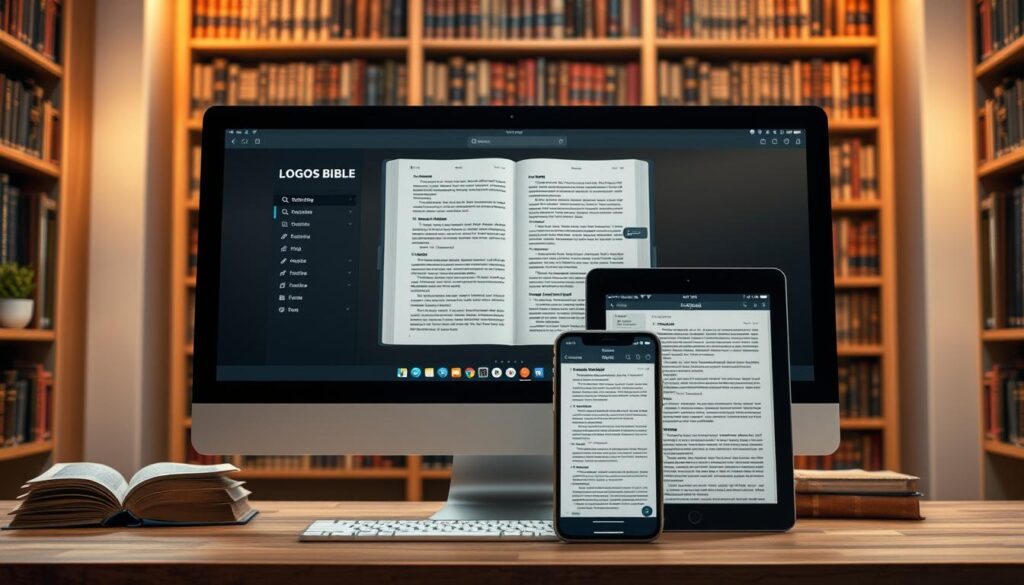
There are several simple methods to use Natural Reader with Logos Bible Software for listening to Bible studies, books, and notes. The best method depends on your device and workflow.
Copy and Paste Method
One of the easiest ways is to copy text from Logos Bible Software and paste it into Natural Reader. After pasting the content, Natural Reader converts the text into clear audio. This method works well for reading devotionals, Bible commentaries, and study notes.
Screen Reader Method
Natural Reader also includes a screen-reading feature that can read text directly from your screen. Open Logos Bible Software, activate the screen reader tool in Natural Reader, and select the text you want to hear. This method is useful when copying text is not convenient.
Using Natural Reader Browser Extension
If you use the web version of Logos Bible Software, the Natural Reader browser extension can read webpage content automatically. Simply install the extension, open Logos in your browser, and click the play button to start listening.
Importing Exported Text Files
You can export notes or documents from Logos Bible Software into TXT, DOCX, or PDF formats and then upload them into Natural Reader. This approach is helpful for long study sessions or offline listening.
Mobile Device Integration
On smartphones and tablets, users can combine the mobile versions of Logos Bible Software and Natural Reader for portable audio Bible study. Copy text from Logos and open it inside the Natural Reader mobile app for hands-free listening.
Using Natural Reader Browser Extension
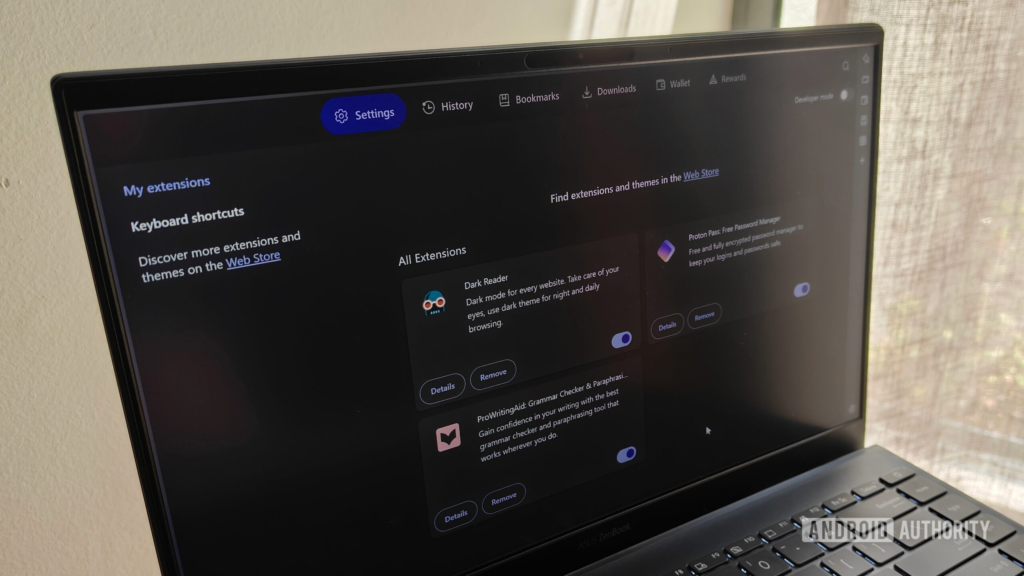
The NaturalReader browser extension is a convenient way to listen to content directly from the web version of Logos Bible Software. After installing the extension on your browser, open Logos Bible Software in your web browser and select the passage, commentary, or study material you want to hear. Click the Natural Reader play button, and the extension will convert the text into natural-sounding audio. This method is fast, easy to use, and ideal for users who prefer hands-free Bible study while multitasking or taking notes.
Screen Reading Method

The screen reading method allows Natural Reader to read text directly from Logos Bible Software without copying and pasting content. Users simply open Logos Bible Software, activate the screen reader feature in Natural Reader, and highlight the text they want to hear. The software then converts the selected content into clear spoken audio. This method is useful for continuous Bible study sessions, reading commentaries, and listening to long passages while working or studying.
Features of Natural Reader

AI-Powered Natural Voices
Natural Reader uses advanced AI voices that sound smoother and more human-like compared to older text-to-speech systems.
Adjustable Reading Speed
Users can increase or reduce playback speed based on their comfort and listening preference.
OCR Text Recognition
The software can recognize text from images, scanned PDFs, and screen content.
Multiple Platform Support
Natural Reader works across desktop computers, web browsers, tablets, and smartphones.
PDF and Document Support
Users can listen to PDFs, Word documents, webpages, and research files.
Benefits of Using Natural Reader With Logos

Better Accessibility
Natural Reader helps visually impaired users and people who struggle with long reading sessions.
Reduced Eye Strain
Listening to content instead of reading continuously can reduce fatigue during extended Bible study.
Improved Multitasking
Users can listen to Bible resources while driving, walking, or doing other activities.
Enhanced Audio Learning
Some learners understand and remember information better through listening rather than silent reading.
More Comfortable Study Sessions
Natural AI voices make long theological studies easier and more relaxing.
Why Many Users Prefer Natural Reader
Users choose NaturalReader with Logos Bible Software because it makes Bible study easier, faster, and more flexible. Here are the main reasons:
- Easy to use: Simple interface that works for beginners and advanced users.
- Better understanding: Listening helps some users absorb scripture and study notes more effectively.
- Hands-free study: Allows reading while cooking, driving, or multitasking.
- Time-saving: Quickly converts long passages into audio without manual reading.
- Accessibility support: Helpful for users with visual difficulties or reading fatigue.
- Natural voices: Offers clear, human-like speech for a better listening experience.
Challenges of Using Natural Reader With Logos
Using NaturalReader with Logos Bible Software can be helpful, but there are a few simple problems users may face:
- Some Logos text cannot be copied due to restrictions
- Formatting may change when text is moved
- No direct built-in connection between both tools
- Some Bible names or terms may be pronounced wrong
- Large text may load or play slowly
- Full features may require a paid plan
Best Practices for Better Text-to-Speech Experience

To get the most out of NaturalReader with Logos Bible Software, you can follow these simple practices for smoother and clearer audio:
- Use clean, well-formatted text for better reading flow
- Break long passages into smaller sections
- Adjust reading speed according to your comfort
- Choose high-quality natural voice settings
- Proofread text before playing audio to avoid errors
- Use headphones for clearer listening and focus
- Save frequently used study material for quick access
- Keep the software updated for best performance
Comparing Natural Reader With Logos Read Aloud
Voice Quality
Natural Reader generally offers more natural and realistic AI voices.
Ease of Use
Logos Read Aloud is built directly into the software and requires no setup.
Customization
Natural Reader provides more playback and voice customization options.
Accessibility
Natural Reader supports broader accessibility tools and OCR features.
Listening Comfort
Many users prefer Natural Reader for long listening sessions because of smoother audio quality.
Future of Text-to-Speech in Bible Software

AI-powered text-to-speech technology is improving rapidly, and future Bible study software will likely include smarter accessibility tools and more natural voice systems. Platforms like Logos may eventually support deeper integration with external AI readers such as Natural Reader. Future improvements could include multilingual pronunciation, personalized voice settings, advanced sermon listening modes, and better synchronization between Bible study applications and text-to-speech systems for a smoother learning experience.
FAQs
1. Can I directly connect Natural Reader with Logos Bible Software?
No, official integration is unavailable, but users can combine both tools using browser extensions, copy-paste methods, and screen-reading accessibility features effectively.
2. Does Natural Reader work with the Logos web application?
Yes, Natural Reader browser extensions can read highlighted content inside the Logos web application through supported browsers like Chrome and Microsoft Edge.
3. Why do users prefer Natural Reader over Logos Read Aloud?
Users prefer Natural Reader because its AI voices sound smoother, more realistic, customizable, and comfortable during extended Bible study listening sessions.
4. Can a Natural Reader read copied Bible passages from Logos?
Yes, users can copy Bible passages, study notes, commentaries, and readable text from Logos into Natural Reader for convenient audio playback listening.
5. Is Natural Reader useful for theological students and pastors?
Yes, Natural Reader helps pastors and theological students reduce eye strain, improve accessibility, multitask efficiently, and enhance audio learning experiences during study.
Conclusion
Using Natural Reader with Logos Bible Software improves accessibility, productivity, and audio learning during Bible study sessions. Although no official integration exists, users can still combine both tools through browser extensions, copy-paste methods, and screen-reading features. Natural Reader’s realistic AI voices and flexible playback controls create a smoother listening experience, making theological research, sermon preparation, and long study sessions more comfortable for students, pastors, and Bible teachers.