Creo Software-The Complete Guide to Features, Benefits, and Uses
In today’s competitive engineering and design world, having the right tools can make a significant difference in productivity and innovation. Creo Software is one of the most powerful and widely used 3D CAD solutions available today. Developed by PTC, Creo helps engineers, product designers, and manufacturers create high-quality designs with precision and efficiency.
- What is Creo Software?
- Key Features of Creo Software
- Benefits of Using Creo Software
- Creo Software vs Other CAD Tools
- Who Should Use Creo Software?
- How to Get Started with Creo Software
- Applications of Creo Software
- Challenges of Using Creo Software
- Tips to Master Creo Software
- Future of Creo Software
- FAQs
- Conclusion
- Related Post
Whether you are designing mechanical parts, simulating real-world conditions, or preparing products for manufacturing, Creo provides an all-in-one platform to handle complex tasks. This guide will help you understand what Creo Software is, its key features, benefits, and why it stands out among other CAD tools.
Creo Software is a powerful CAD tool for 3D design, simulation, and manufacturing used by engineers for advanced product development.
What is Creo Software?
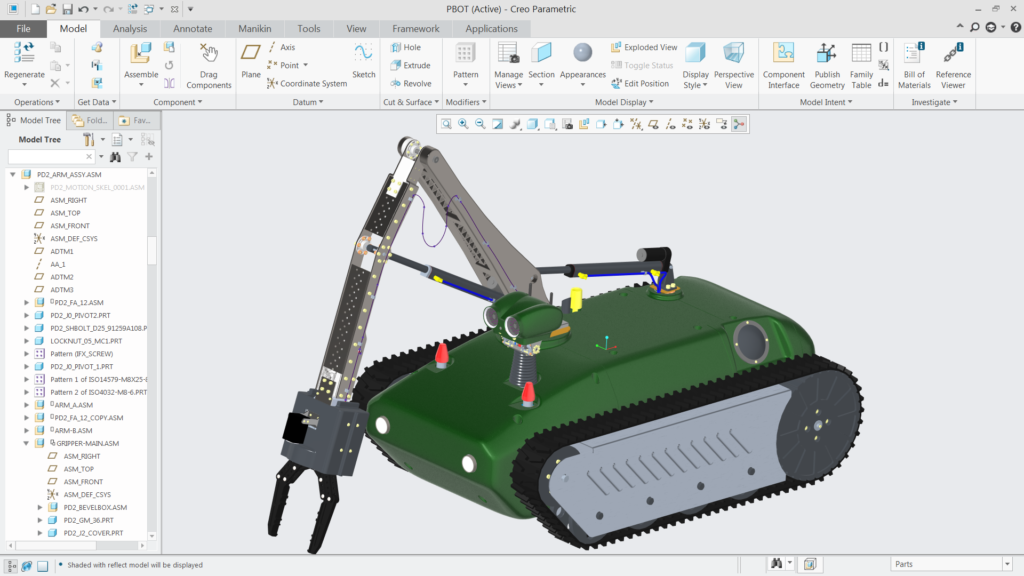
Creo Software is a powerful 3D CAD (Computer-Aided Design) solution developed by PTC, designed to help engineers and product designers create precise digital models. It allows users to design, analyze, and simulate products within a single platform, improving efficiency and accuracy. With support for parametric and direct modeling, Creo makes it easier to modify designs, reduce errors, and streamline the overall product development process.
Key Features of Creo Software
Creo comes packed with powerful features that make it a top choice for designers and engineers.
Parametric and Direct Modeling
- Allows both modeling techniques
- Enables quick design changes without restarting
3D CAD Design Capabilities
- Create complex 3D models with precision
- Design assemblies with multiple components
- Generate detailed engineering drawings
Simulation and Analysis Tools
- Stress analysis before manufacturing
- Thermal and motion simulation
- Improves product reliability
Augmented Reality (AR) Integration
- Visualize designs in real-world environment
- Better product presentation and validation
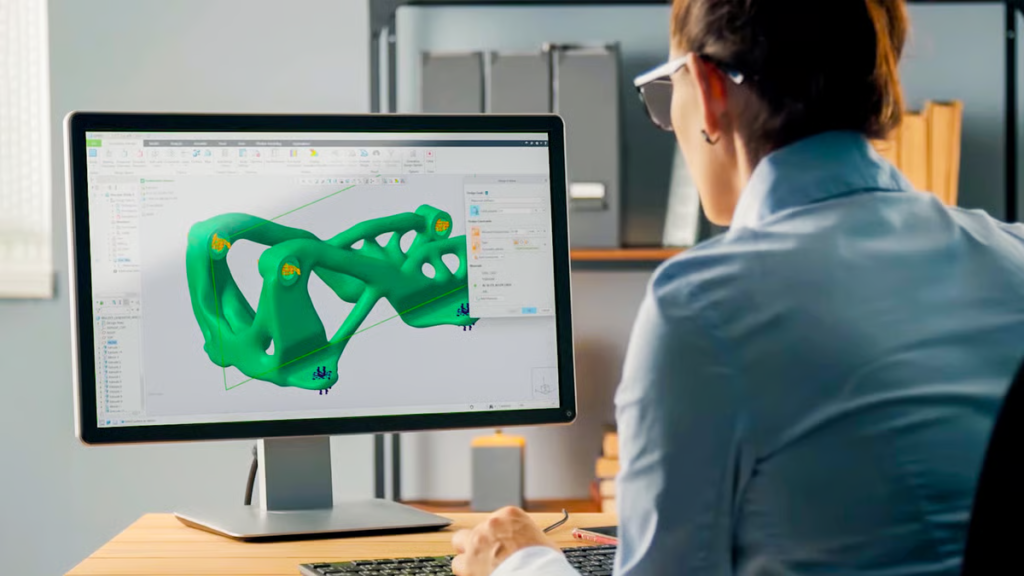
Additive Manufacturing Support
- Supports 3D printing workflows
- Helps in fast prototyping
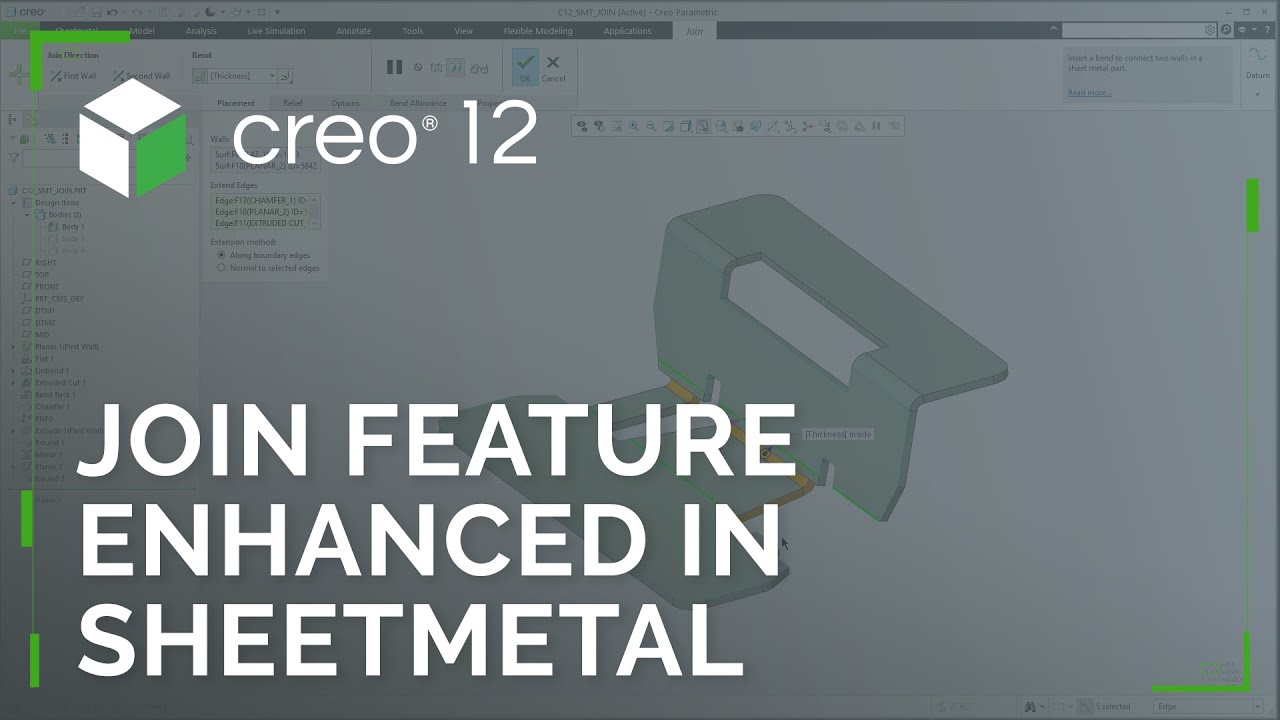
Sheet Metal and Surface Design
- Advanced sheet metal tools
- Smooth surface modeling
- High-quality output designs
Collaboration Tools
- Real-time team collaboration
- Easy sharing of design files
Benefits of Using Creo Software
Using Creo Software provides several powerful advantages that enhance productivity, design quality, and overall engineering efficiency. Each benefit plays an important role in improving the product development process.
Improved Design Accuracy
Creo Software ensures highly precise 3D modeling, which helps engineers reduce design errors and create accurate, reliable, and production-ready product designs with better consistency.
Faster Product Development
With advanced design tools, automation features, and streamlined workflows, Creo enables designers to complete projects in less time, significantly speeding up the overall product development cycle.
Cost Reduction
By allowing simulation and testing before actual production, Creo helps identify design flaws early, reducing material waste, production errors, and overall manufacturing costs for companies.
Flexibility in Design
Creo provides strong flexibility by allowing easy modifications in existing models, making it ideal for iterative design processes where frequent updates and improvements are required.
Better Collaboration
Creo supports teamwork by enabling seamless sharing of designs and real-time collaboration, improving communication between engineers, designers, and manufacturing teams for better project results.
Future-Ready Technology
With support for modern technologies like augmented reality and additive manufacturing, Creo keeps businesses updated with industry trends and ensures long-term relevance in engineering innovation.
Creo Software vs Other CAD Tools
- When compared to popular CAD tools like SolidWorks and AutoCAD, Creo stands out due to its advanced capabilities.
Creo vs SolidWorks
- Creo offers more advanced simulation tools
- Better for complex and large-scale projects
- Strong parametric modeling capabilities
Creo vs AutoCAD
- Creo focuses on 3D modeling, while AutoCAD is mainly 2D
- More suitable for product design and manufacturing
- Better integration with modern technologies
Who Should Use Creo Software?
Creo Software is suitable for a wide range of users, including:
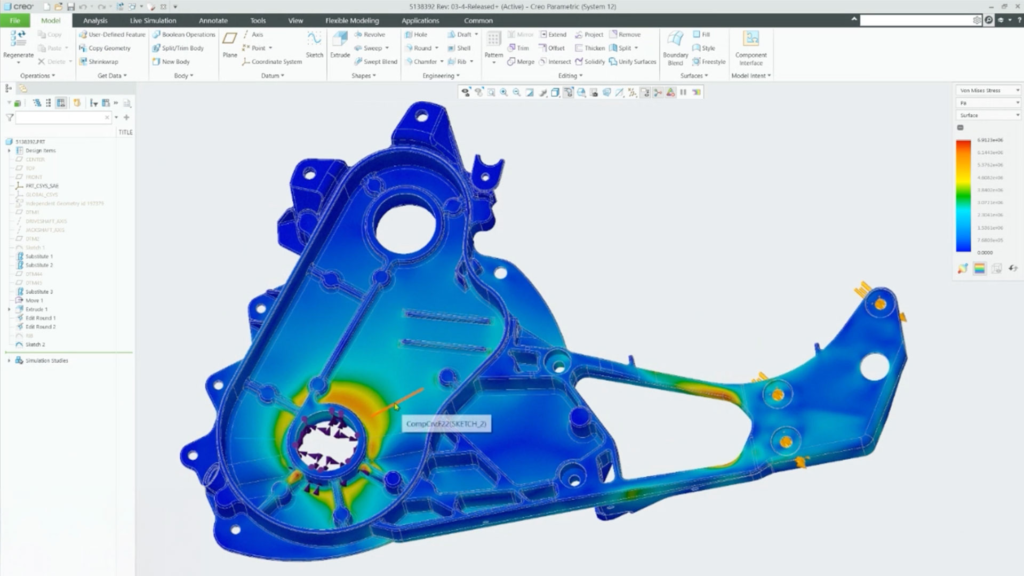
- Mechanical engineers working on complex product designs
- Automotive and aerospace industry professionals
- Manufacturing companies dealing with large-scale projects
- Product designers requiring advanced 3D modeling
- Engineers who need strong simulation and parametric design tools
How to Get Started with Creo Software
Starting with Creo may seem challenging at first, but with the right approach, you can learn it quickly.
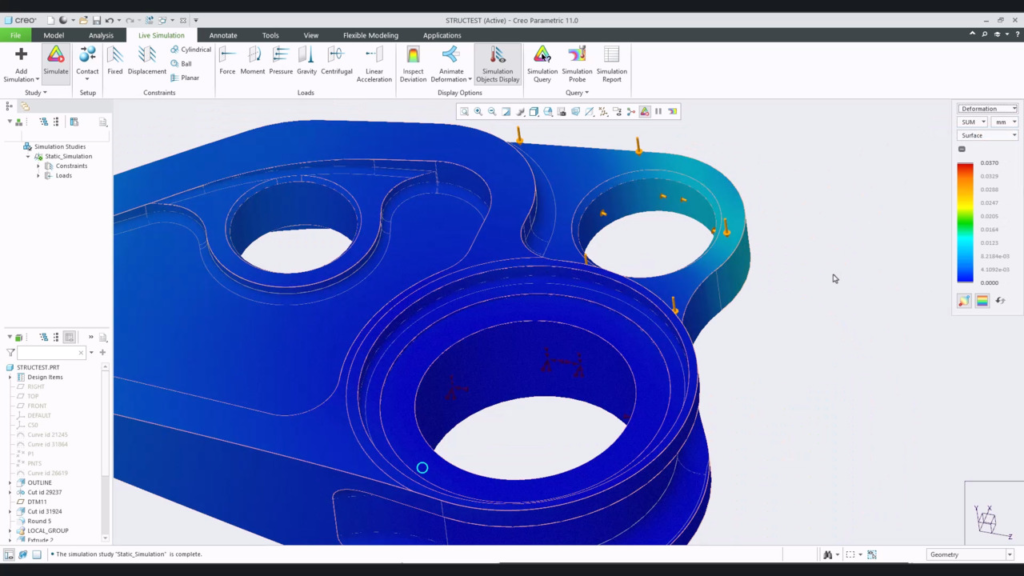
Steps to Begin:
- Start with basic tutorials
- Learn parametric modeling
- Practice simple designs
- Explore assemblies
- Use simulation tools
- Consistency and regular practice are key to mastering Creo Software
Applications of Creo Software
Creo is used across various industries for different purposes.
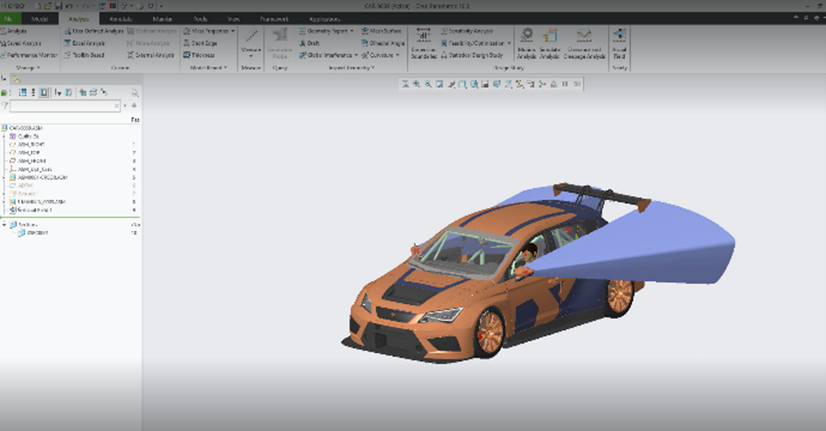
Common Applications:
- Product design and development
- Mechanical engineering projects
- Industrial design
- Prototype creation
- Manufacturing planning
Its versatility makes it one of the most reliable CAD tools in the market.
Challenges of Using Creo Software
While Creo is powerful, it also comes with some challenges:
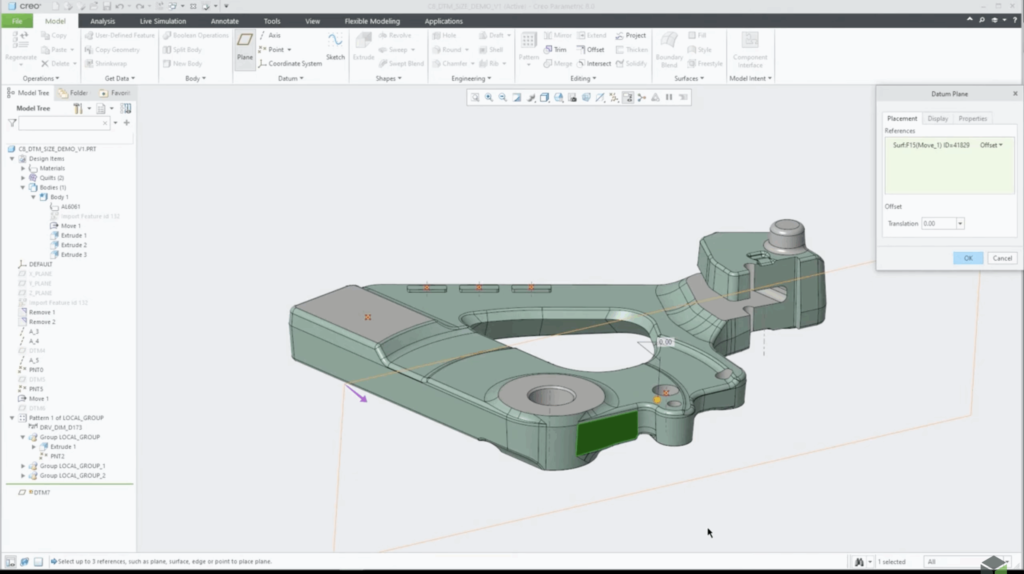
- Steep learning curve for beginners
- Requires a powerful computer system
- Can be expensive for small businesses
- However, the benefits often outweigh these limitations
Tips to Master Creo Software
To become proficient in Creo, follow these tips:
- Practice daily
- Watch tutorials and online courses
- Join CAD communities
- Work on real-world projects
- Stay updated with new features
Future of Creo Software
The future of Creo Software looks highly promising as industries continue to move toward advanced digital design and smart manufacturing. With growing demand for automation, AI-driven engineering, and cloud-based collaboration, Creo is expected to become even more powerful and user-friendly.
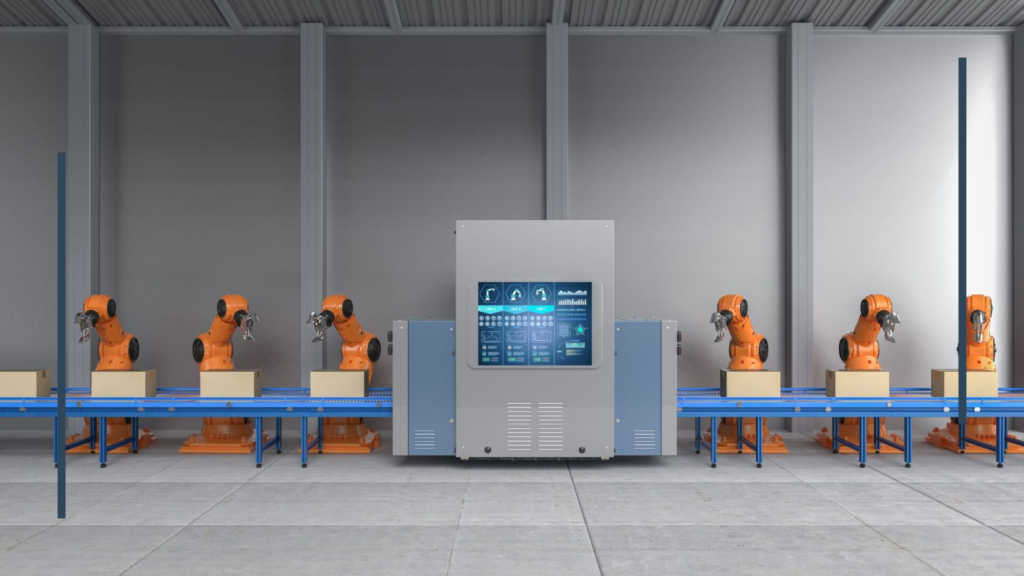
It will likely expand its capabilities in real-time simulation, generative design, and integration with emerging technologies like IoT and digital twins. As companies focus on faster product development and higher precision, Creo will remain a key tool for engineers and manufacturers worldwide.
FAQs
1-What is Creo Software used for?
Creo Software is used for 3D CAD design, product development, and engineering analysis, helping professionals create models, test performance, and prepare designs efficiently.
2-Is Creo Software suitable for beginners?
Creo Software is suitable for beginners with dedication and practice, though it has a learning curve, and users need tutorials to understand its features properly.
3-How does Creo differ from other CAD software?
Creo differs from other CAD software by offering advanced parametric modeling, built-in simulation tools, and modern features like augmented reality for complex engineering designs.
4-Which industries commonly use Creo Software?
Creo Software is commonly used in automotive, aerospace, manufacturing, and industrial design industries, where precision, simulation, and efficient product development processes are required.
5-What are the key benefits of using Creo Software?
The key benefits of Creo Software include improved design accuracy, faster workflows, reduced production costs, better collaboration, and support for modern manufacturing technologies.
Conclusion
Creo Software stands out as a powerful and reliable 3D CAD solution for modern engineering and product design. With its advanced features, flexibility, and future-ready technologies, it helps professionals create accurate and efficient designs. Although it requires learning and practice, mastering Creo can significantly improve productivity, reduce errors, and open new career opportunities.