What Is Software Integration? Meaning, Types & Benefits
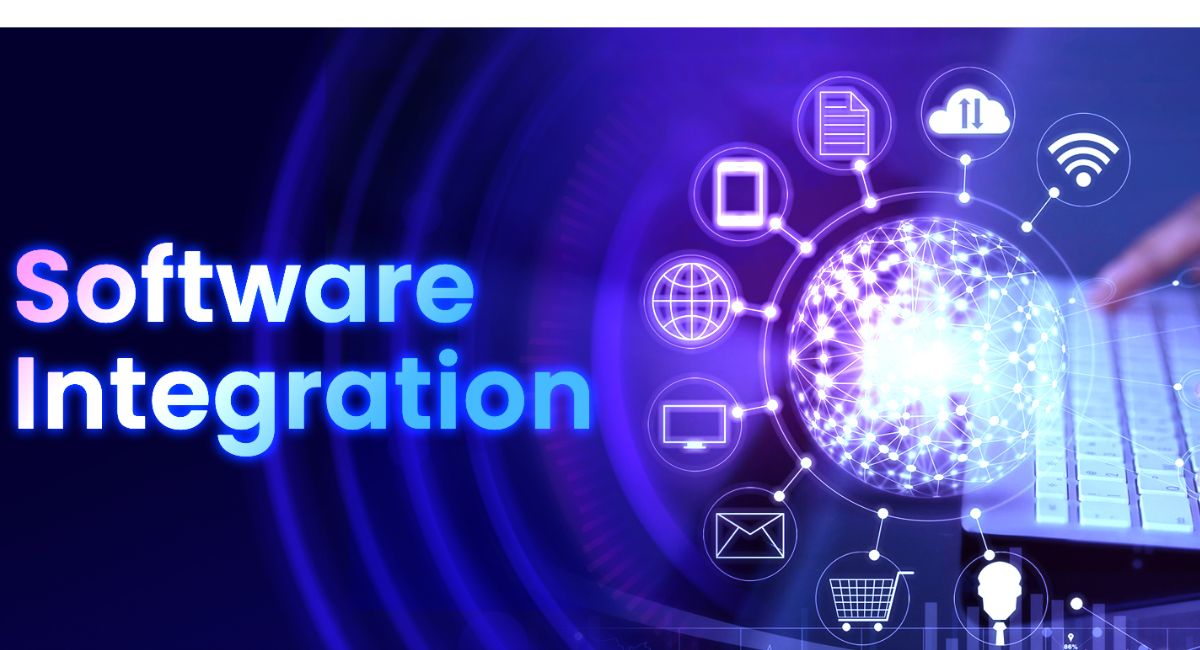
Software integration is the process of connecting different software applications, systems, or tools so they can work together as one unified system. In today’s digital world, businesses and individuals use many different software solutions for tasks like communication, sales, accounting, marketing, and data storage. Without integration, these systems work separately, which creates confusion and extra manual work. Understanding what software integration is helps improve productivity, reduce errors, and ensure smooth data flow between applications.
Learn what is software integration, its meaning, types, benefits, and how it connects different systems to improve efficiency, automation, and data flow.
- What Is Software Integration?
- Why Software Integration Is Important
- Types of Software Integration
- 1. Application Integration
- 2. Data Integration
- 3. API Integration
- 4. System Integration
- How Software Integration Works
- Features of Software Integration
- Benefits of Software Integration
- Examples of Software Integration in Real Life
- Tools Used in Software Integration
- Challenges of Software Integration
- Software Integration in Modern Businesses
- Future of Software Integration
- FAQ’s
- Conclusion
- Related post
What Is Software Integration?
Software integration means combining multiple software systems so they can communicate and share data automatically.
Instead of switching between different tools and manually transferring information, integrated systems exchange data in real time.
Real-Life Examples
- An online shopping website automatically sends order details to a delivery system
- A banking app connects with payment gateways
- A CRM system updates customer data from email marketing tools
These systems work together without manual input.
Why Software Integration Is Important
Software integration plays a very important role in modern technology systems. Businesses rely on it to improve efficiency and reduce workload.
Key Importance Points
- Improves productivity
- Reduces manual work
- Saves time and cost
- Increases data accuracy
- Improves communication between systems
- Helps in better decision-making
Without integration, companies would have to handle everything manually, which is slow and error-prone.
Types of Software Integration
There are several types of software integration used in different industries.
1. Application Integration
This type connects different software applications so they can share data.
Example
- Email system connected with CRM software
- Accounting software connected with sales system
2. Data Integration
Data integration focuses on combining data from different sources into one central system.
Example
- A company merging customer data from multiple platforms into one database
3. API Integration
API (Application Programming Interface) integration allows software systems to communicate using APIs.
Example
- Payment gateways like PayPal or Stripe integrated into websites
- Google Maps integrated into delivery apps
4. System Integration
System integration combines hardware and software systems to work as one complete solution.
Example
- Hospital management systems connecting patient records, billing, and pharmacy
How Software Integration Works
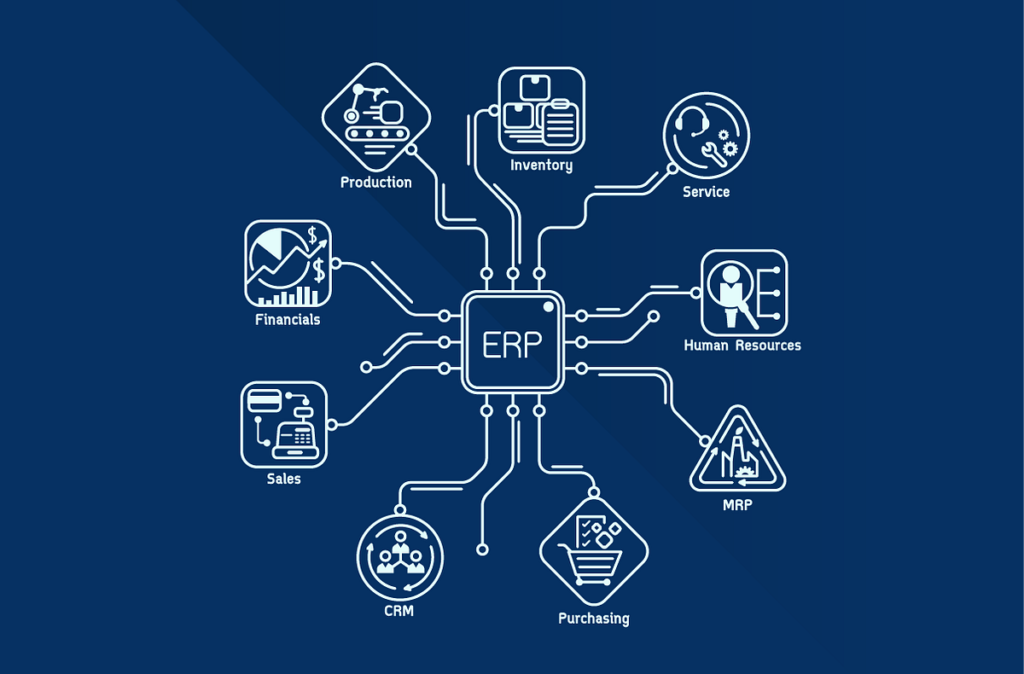
Software integration works through communication tools like APIs, middleware, and connectors. These tools act as bridges between different systems.
Basic Working Process
- One application sends data
- Integration tool processes the data
- Another application receives and uses the data
This process happens automatically and often in real time.
Features of Software Integration
Software integration offers many powerful features that improve system performance.
Key Features
- Automatic data sharing
- Real-time synchronization
- Centralized data management
- Improved workflow efficiency
- Reduced human errors
- Seamless communication between systems
These features make modern applications more powerful and efficient.
Benefits of Software Integration
Software integration provides many advantages for businesses and users.
1. Saves Time
Tasks that were done manually are now automated.
2. Reduces Errors
Since data is shared automatically, human mistakes are minimized.
3. Improves Productivity
Employees can focus on important tasks instead of repetitive work.
4. Better Data Accuracy
All systems use updated and correct data.
5. Cost Efficiency
Companies save money by reducing manual work and system duplication.
6. Better Customer Experience
Customers receive faster and more accurate services.
Examples of Software Integration in Real Life
Software integration is used in almost every industry today.
E-commerce Systems
- Online stores connected with payment gateways
- Inventory systems updated automatically
Banking Systems
- Mobile apps linked with transaction networks
- Real-time balance updates
Healthcare Systems
- Patient records shared between departments
- Lab results integrated into hospital systems
Marketing Systems
- Email marketing tools connected with CRM software
- Customer behavior tracking systems
Tools Used in Software Integration
Many tools and technologies are used for integrating software systems.
Common Tools
- APIs (REST & SOAP)
- Middleware platforms
- Zapier
- MuleSoft
- Microsoft Power Automate
- Integromat (Make)
These tools simplify the integration process and reduce development effort.
Challenges of Software Integration
Even though software integration is powerful, it also has some challenges.
Common Problems
- Compatibility issues between systems
- Security risks in data sharing
- High implementation cost
- Complex system setup
- Data synchronization errors
- Maintenance difficulties
Proper planning and secure tools can reduce these problems.
Software Integration in Modern Businesses
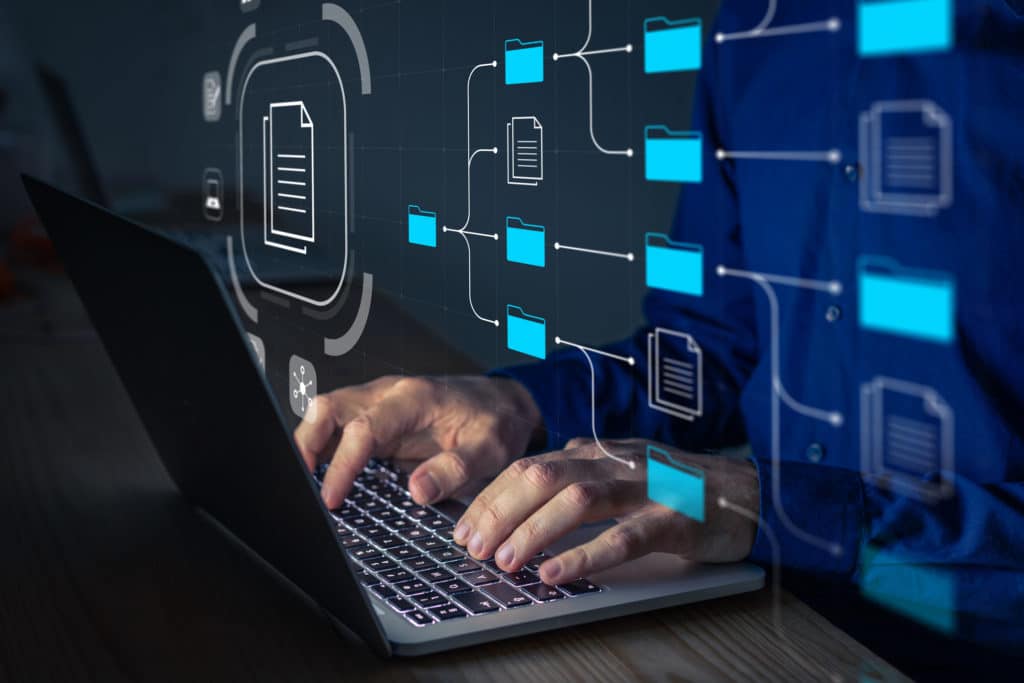
Today, almost every business depends on software integration to manage and connect different systems smoothly.
From small startups to large enterprises, integration helps improve daily operations by automating workflows, reducing manual tasks, and ensuring accurate data sharing between applications.
It allows businesses to work faster, make better decisions, and provide improved services to customers, making overall operations more efficient and reliable.
Business Benefits
- Faster workflow
- Better communication between departments
- Real-time reporting
- Improved customer service
- Easy scaling of operations
Businesses that use integration perform better than those that do not.
Future of Software Integration
The future of software integration is very strong. With advancements in AI (Artificial Intelligence), cloud computing, and automation, integration systems are becoming smarter and faster.
Future Improvements
- AI-based automatic integration
- Real-time intelligent data processing
- More secure API systems
- Fully automated business workflows
- Better cloud-based integration tools
In the future, software systems will become even more connected and intelligent.
FAQ’s
1. What is software integration in simple words?
Software integration means connecting different software systems so they can share data and work together automatically.
2. Why is software integration used?
It is used to save time, reduce manual work, improve accuracy, and make systems more efficient.
3. What are examples of software integration?
Examples include payment gateways in websites, CRM systems connected with email tools, and banking apps linked with transaction systems.
4. What tools are used for software integration?
Common tools include APIs, middleware, Zapier, MuleSoft, and Microsoft Power Automate.
5. What are the challenges of software integration?
Challenges include security risks, system compatibility issues, high setup costs, and data synchronization problems.
Conclusion
Software integration is a key process that connects different applications and systems to work together efficiently. It improves productivity, reduces manual effort, and ensures accurate data flow between platforms. Understanding what software integration is helps explain how modern businesses stay connected and automated. With advancing technology, integration will become even more important for building smarter and efficient digital systems.