
2020 Design Software Requirements – Complete Guide
2020 Design software is a professional interior and kitchen design solution widely used by designers, architects, and home improvement businesses. It allows users to create highly detailed 2D and 3D layouts, realistic renderings, and virtual walkthroughs. However, to achieve smooth performance and professional results, your system must meet specific hardware and software requirements.
- Minimum System Requirements
- Recommended System Requirements
- Key Hardware Requirements Explained
- Software Requirements
- Advanced Features That Require High-End Systems
- Key Features of 2020 Design Software
- Benefits of Using Proper System Requirements
- Common Problems Without Proper Requirements
- Tips to Improve Performance
- Who Should Use 2020 Design Software?
- Future of 2020 Design Software
- FAQs
- Conclusion
- Related Post
Understanding the correct system requirements is essential because insufficient resources can lead to lag, crashes, or poor rendering quality. In this guide, we will explore the complete system requirements, features, benefits, and performance tips to help you run 2020 Design software efficiently.
2020 Design Software Requirements include powerful CPU, sufficient RAM, strong GPU, and high storage for smooth 3D design performance.
Minimum System Requirements
- Operating System: Windows 10 (64-bit)
- Processor: Intel Core i3 or equivalent
- RAM: 8 GB
- Storage: 20 GB free disk space
- Graphics Card: 1 GB VRAM
- Screen Resolution: 1280 × 1024
- Internet Connection: Required for activation and updates
Recommended System Requirements
- Operating System: Windows 10 or Windows 11 (64-bit)
- Processor: Intel Core i7 or higher
- RAM: 16 GB or 32 GB
- Storage: SSD with at least 50 GB free space
- Graphics Card: 4 GB VRAM (NVIDIA or AMD)
- Screen Resolution: 1920 × 1080 (Full HD or higher)
- Internet Connection: High-speed stable connection
Key Hardware Requirements Explained
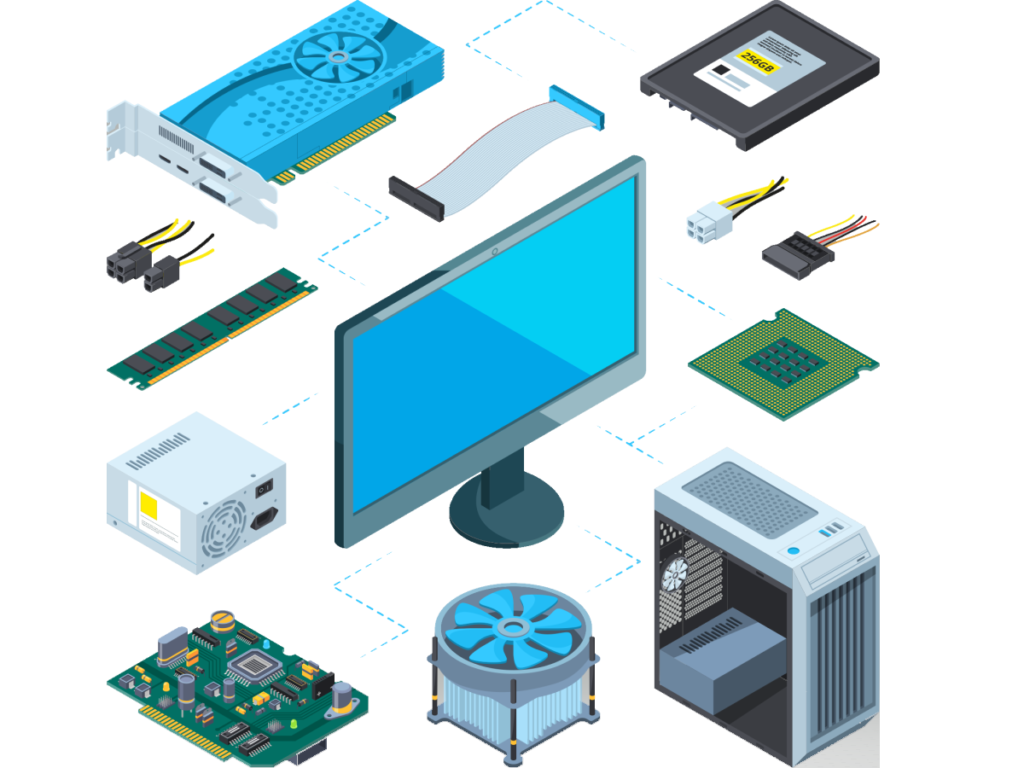
Processor (CPU)
The CPU is the brain of the system and controls overall performance. A faster processor improves design speed, reduces rendering time, and handles complex projects smoothly, making it essential for 2020 Design software.
RAM (Memory)
RAM is responsible for smooth multitasking and managing large design files. Higher RAM ensures better performance without lag or freezing. Typically, 8 GB is for basic use, 16 GB is recommended, and 32 GB is ideal for professional work.
Graphics Card (GPU)
The GPU plays a key role in 3D rendering and visual quality. A dedicated graphics card improves speed, enhances graphics, and ensures realistic design output, especially in detailed interior projects.
Storage (SSD vs HDD)
Storage type affects system speed and performance. SSD is much faster than HDD, offering quick loading, faster file access, and improved overall responsiveness of the software.
Software Requirements

- Operating System: Windows 10 or Windows 11 (64-bit)
- Latest Windows updates installed
- Updated graphics drivers (NVIDIA/AMD recommended)
- Microsoft .NET Framework (latest version)
- DirectX compatible system
- Stable internet connection for activation and updates
- Administrator rights for installation
Advanced Features That Require High-End Systems
Advanced features like 3D rendering, real-time simulation, and high-resolution graphics require high-end systems. These tasks need powerful CPUs, strong GPUs, and more RAM for smooth performance. Without advanced hardware, users may face lag, slow processing, or system crashes.
Key Features of 2020 Design Software
2020 Design software offers a wide range of powerful features that make it a preferred choice for professionals.
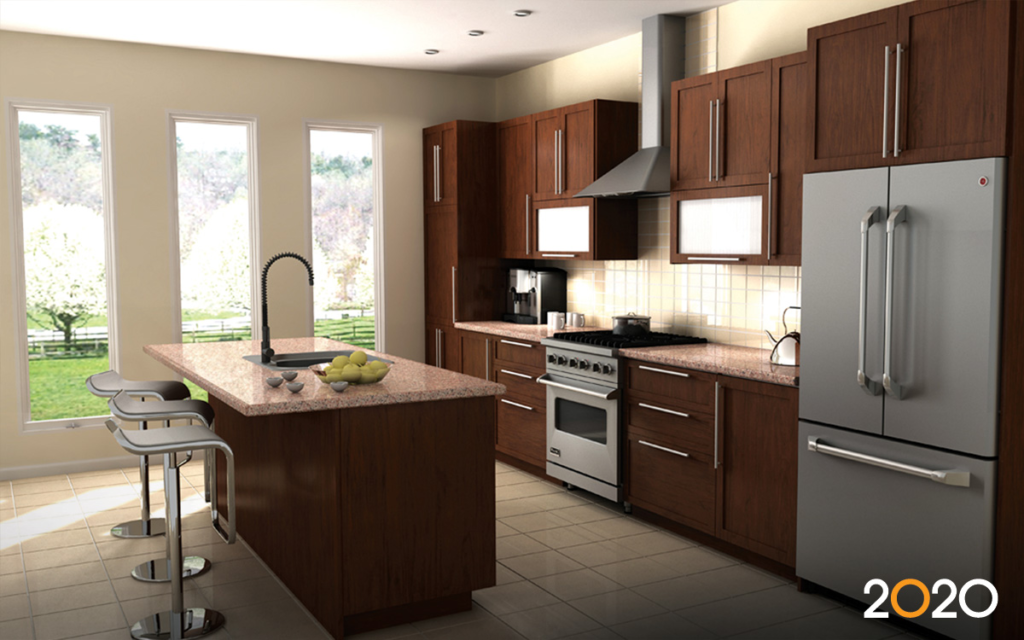
3D Design Visualization
It allows users to create realistic 3D kitchen and interior designs and preview them before actual implementation.
Drag-and-Drop Interface
A simple tool that lets users easily place and arrange design elements for faster and smoother workflow.
Extensive Catalog Library
Provides a large collection of real products like cabinets, furniture, and appliances for accurate and realistic designs.
Real-Time Rendering
Shows instant visual updates of design changes with high-quality graphics, improving presentation speed.
Measurement Tools
Helps in taking precise dimensions and scaling to reduce errors and ensure design accuracy.
Cloud Integration
Allows users to save, access, and share projects online, making collaboration easier and data more secure.
Benefits of Using Proper System Requirements
Meeting the recommended system requirements provides several advantages:

Performance Benefits
Proper system requirements ensure fast rendering speed, smooth navigation, and no lag or freezing during work.
Productivity Benefits
They help in maintaining an efficient workflow, quicker project completion, and smooth multitasking between tasks.
Design Quality Benefits
A strong system delivers high-resolution output, realistic visuals, and more professional-looking presentations.
Business Benefits
It improves client satisfaction, enhances communication, and increases the overall project success rate.
Common Problems Without Proper Requirements
- Slow system performance and lag during work
- Frequent software crashes and freezing issues
- Long rendering and processing time
- Poor multitasking and workflow interruptions
- Low-quality graphics and reduced design accuracy
- Difficulty handling large or complex projects
- Reduced productivity and project delays
Tips to Improve Performance
- Upgrade RAM for smoother multitasking
- Use a high-speed SSD for faster loading
- Keep graphics drivers updated regularly
- Close unnecessary background applications
- Optimize system settings for better speed
- Ensure proper cooling to avoid overheating
- Use recommended system specifications for software
Who Should Use 2020 Design Software?
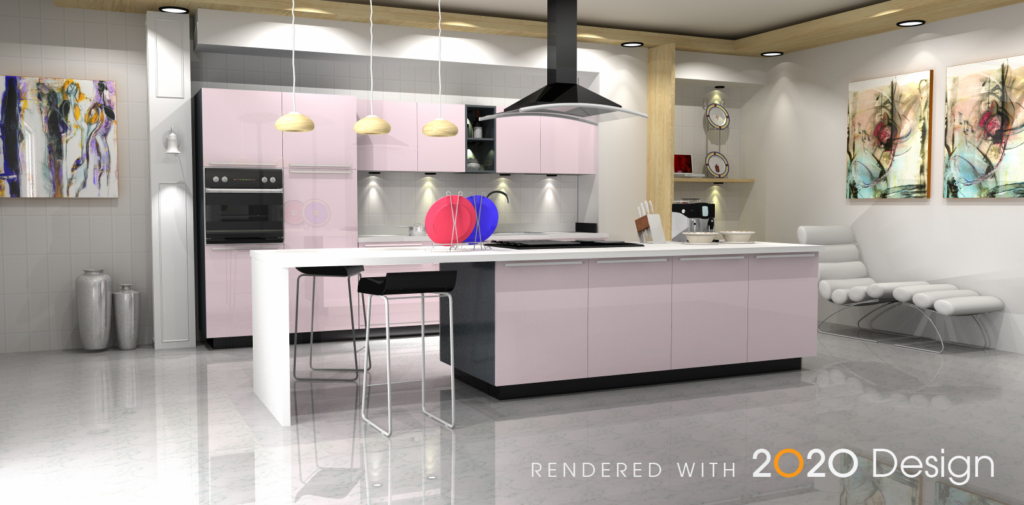
- Interior designers for creating professional layouts
- Kitchen planners for accurate kitchen designs
- Architects for 3D visualization of projects
- Furniture retailers for product showcasing
- Contractors for better project planning
- Design students for learning and practice
- Homeowners for planning renovations and interiors
Future of 2020 Design Software
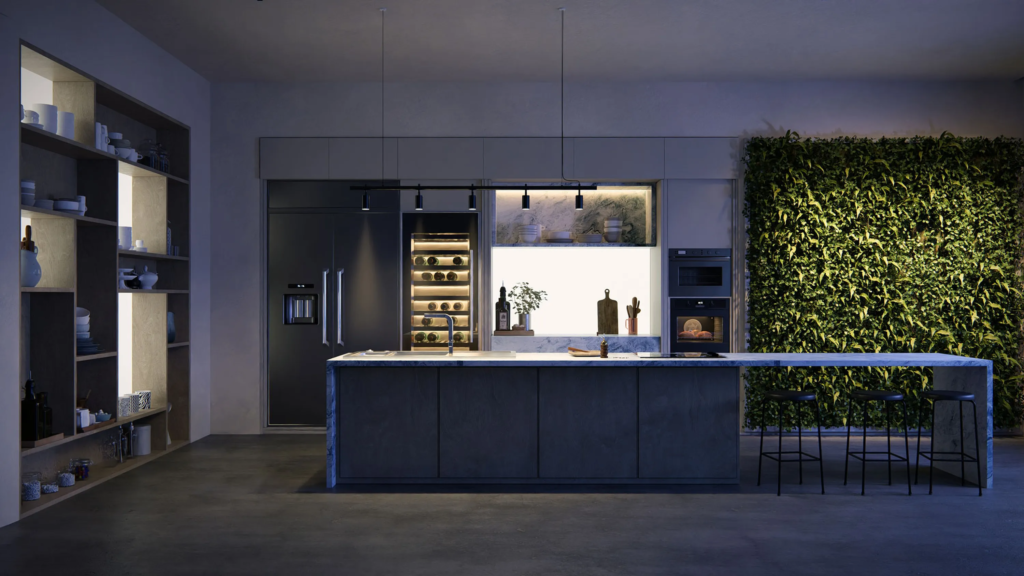
The future of 2020 Design Software is focused on smarter, faster, and cloud-based design solutions. It will include AI-powered features, more realistic 3D rendering, and improved automation for better accuracy. Enhanced cloud integration will allow easy collaboration and access from anywhere, making design work more efficient and advanced.
FAQs
1-What are the minimum requirements for 2020 Design software?
Minimum requirements include Windows 10 64-bit, Intel Core i3 processor, 8GB RAM, 1GB GPU, and 20GB storage for basic functionality.
2-What are the recommended system requirements for better performance?
Recommended specs include Intel Core i7 processor, 16GB or 32GB RAM, SSD storage, and a 4GB dedicated graphics card for smooth rendering.
3-Why is a graphics card important for 2020 Design software?
A dedicated graphics card improves 3D rendering speed, enhances visual quality, and ensures smooth navigation when working on complex interior designs.
4-Can I run 2020 Design software on a low-end PC?
Yes, but performance will be limited with slow rendering, lag issues, and difficulty handling large projects or advanced features efficiently.
5-How can I improve the performance of 2020 Design software?
Upgrade RAM, use SSD storage, update drivers, close background apps, and ensure your system meets recommended requirements for better performance and stability.
Conclusion
2020 Design software delivers powerful tools for interior and kitchen design, but its performance depends on your system specifications. Using recommended requirements ensures smooth operation, faster rendering, and high-quality visuals. Investing in better hardware improves productivity and client satisfaction. By optimizing your system and keeping software updated, you can fully utilize its features and achieve professional design results efficiently.